
Official guide · Finding Needle in the Stack
Saving, exporting and moving your save
You never press a save button in this game, and there is no account to sign in to. Your progress is kept on your own device. This guide explains how that works, how to keep your progress safe, and how to take it with you to another device.
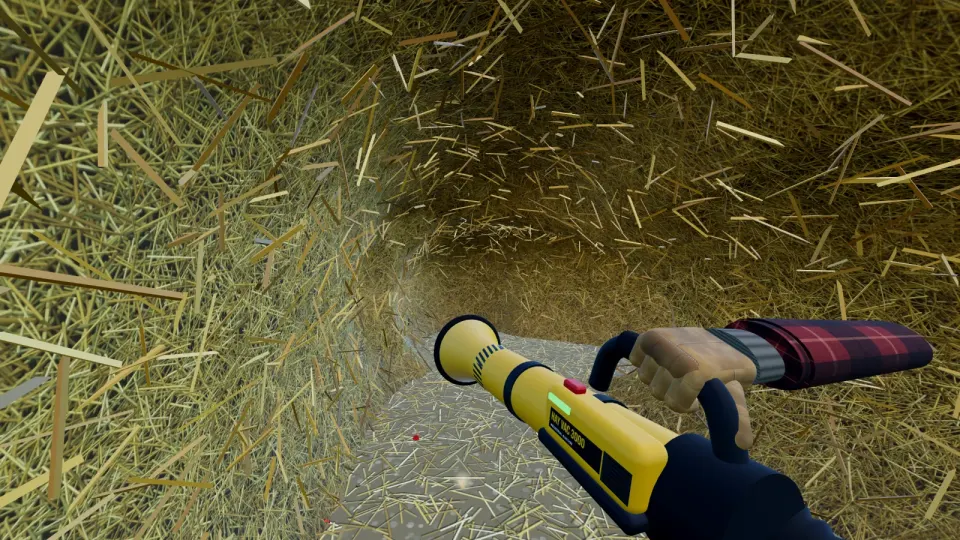
It saves for you
The game checks about every eight seconds and saves if anything has changed: new tunnels, money, purchases or your position. It also saves right away when you sell or buy something. If you close the tab or the browser, you pick up where you left off.
What is saved
- The whole haystack, so every tunnel and crater stays dug.
- Your money, backpack, tools, upgrades, detector level and machines.
- Which valuables have been found and where the needle is.
- Your position, your stats, your daily bonus streak and your settings.
Where it lives
Your save is stored in your browser, in a feature called local storage. It never goes to a server, which is why there is no sign-up and why nobody else can see it. The same fact is in the privacy policy.
That has one big consequence: the save belongs to one browser on one device. A save made in Chrome on your laptop will not appear in Safari on your phone.
How people lose a save
- Clearing site data or cookies. This deletes local storage, including the game.
- Using a private or incognito window. Everything is thrown away when you close it.
- Switching browsers or devices. The save stays behind in the old one.
- Filling the browser's storage. If a save cannot be written, the game shows a warning.
Back up and move your save
- Open the game and go to Settings.
- Choose Export save. Your browser downloads a file.
- Keep that file somewhere safe, or send it to the other device.
- On the other device, open the game, go to Settings and choose Import save.
Export and import are on the website version of the game. If you plan to clear your browser data, export first.
Starting fresh
If you want to wipe your game, use Delete save in the settings. This removes the haystack, your money and your progress from your device. More on removing your data is in the privacy policy.
Ready to dig?
Free in your browser on PC and mobile. Your progress saves as you play.
Play Finding Needle in the Stack