
Official guide · Finding Needle in the Stack
Make the game run smoothly: quality settings and tips
The game draws a big 3D world with a lot of hay, grass and shadows, and not every device is the same. If the game feels choppy, you can fix it in a minute. Here is what the settings really do and what else you can try.
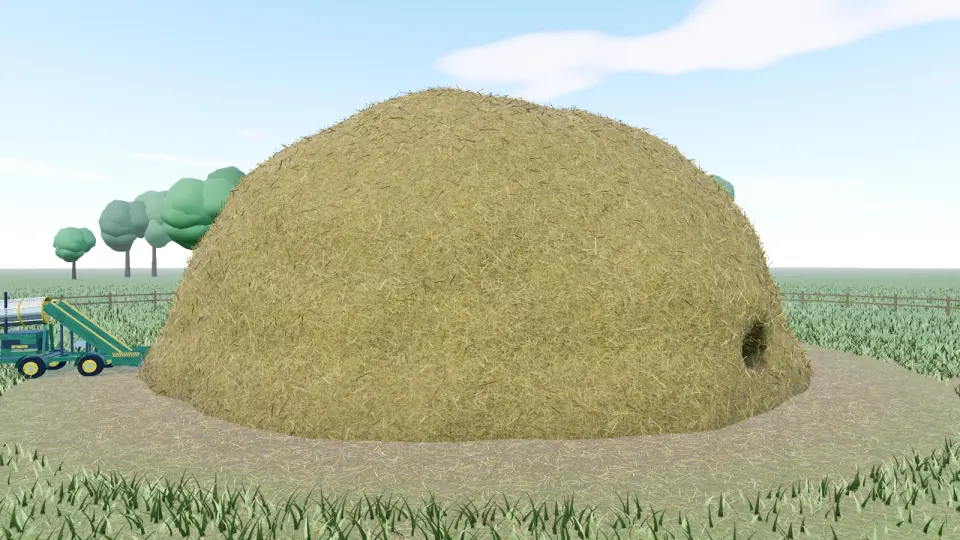
What each quality level changes
| Setting | Pixel density limit | Shadow map size | Straw detail | Grass blades | Trees |
|---|---|---|---|---|---|
| Low | 1.25x | 1024 | 9 | 16,000 | 26 |
| Medium | 1.5x | 2048 | 20 | 50,000 | 44 |
| High | 2x | 4096 | 34 | 90,000 | 60 |
The numbers come from the game's own settings. Higher means prettier and more demanding. "Pixel density limit" is the most extra sharpness the game will ask for on high-resolution screens.
Low is best for older laptops and most phones. High looks wonderful on a strong computer but asks a lot of the graphics card.
What Auto does
Auto watches your frame rate while you play. Every few seconds, if the game is running below about 40 frames per second, it lowers the sharpness of the picture a little, down to as little as 60%. If you are above about 57 frames per second, it raises it again, up to the full resolution. You may notice the picture soften slightly in a heavy scene and sharpen again when it is calm.
Check your frame rate
In the settings you can switch on an FPS counter. A steady 60 is great, 30 to 40 is playable, and anything lower is worth fixing with the tips below.
Other fixes that really help
- Close other tabs and apps. Browsers share the same graphics card between everything that is open.
- Turn on hardware acceleration. In your browser's settings, this lets the browser use your graphics card. If it is off, 3D games crawl.
- Use an up-to-date browser. Chrome, Edge, Firefox and Safari all support what the game needs.
- On a phone, play in landscape and keep Low or Auto. See Play on mobile.
- Plug in a laptop. Many laptops slow their graphics down on battery.
- Expect a little work after a huge dig. After you move a lot of hay, the game has to rebuild the chunks you touched, which can cost a moment on slow devices.
Still slow?
Tell me about it. Say what device and browser you use and what the FPS counter shows, and send it to the address on the contact page. It helps me fix problems for everybody.
Ready to dig?
Free in your browser on PC and mobile. Your progress saves as you play.
Play Finding Needle in the Stack